Welcome to our in-depth guide on best free video.
You want to start a YouTube channel, but Adobe Premiere Pro costs $20/month. Forget that. You can make Hollywood-level videos for $0.
Here is The Best Free Video Editing Software for Beginners in 2026.
1. DaVinci Resolve (The King)
Platform: Windows, Mac, Linux
This is what Hollywood uses to color grade movies like Avatar. The free version has 95% of the features. It is powerful, but it has a learning curve. If you want to be a pro, start here.
2. CapCut (The Social Media Queen)
Platform: Desktop & Mobile
If you are making TikToks, Reels, or Shorts, use CapCut. It has auto-captions (a lifesaver), trendy effects, and stock music built-in. It is incredibly fast and easy.
3. Shotcut (Open Source)
Platform: Windows, Mac, Linux
It’s ugly, but it works. It is open-source, meaning no watermarks and no “Pro Version” upsells. It supports 4K editing and runs well on older laptops.
4. iMovie (For Mac Users)
Platform: Mac / iPad / iPhone
It comes installed on your Mac. It is simple, magnetic, and impossible to mess up. If you just want to cut clips together and add music, it is perfect.
Kiran’s Take: Content > Editing
People obsess over “transitions” and “color grading.”
MrBeast’s first videos were terrible quality. But the idea was good. Focus 90% of your energy on the STORY, and 10% on the editing. DaVinci Resolve won’t fix a boring video.
Conclusion
Download DaVinci Resolve if you are serious. Download CapCut if you want speed. Just start creating.
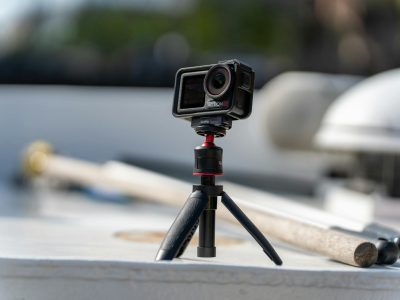
Need a camera? Read Vlogging Camera Guide.
Related Links:
Return to Homepage | Learn more on Wikipedia