
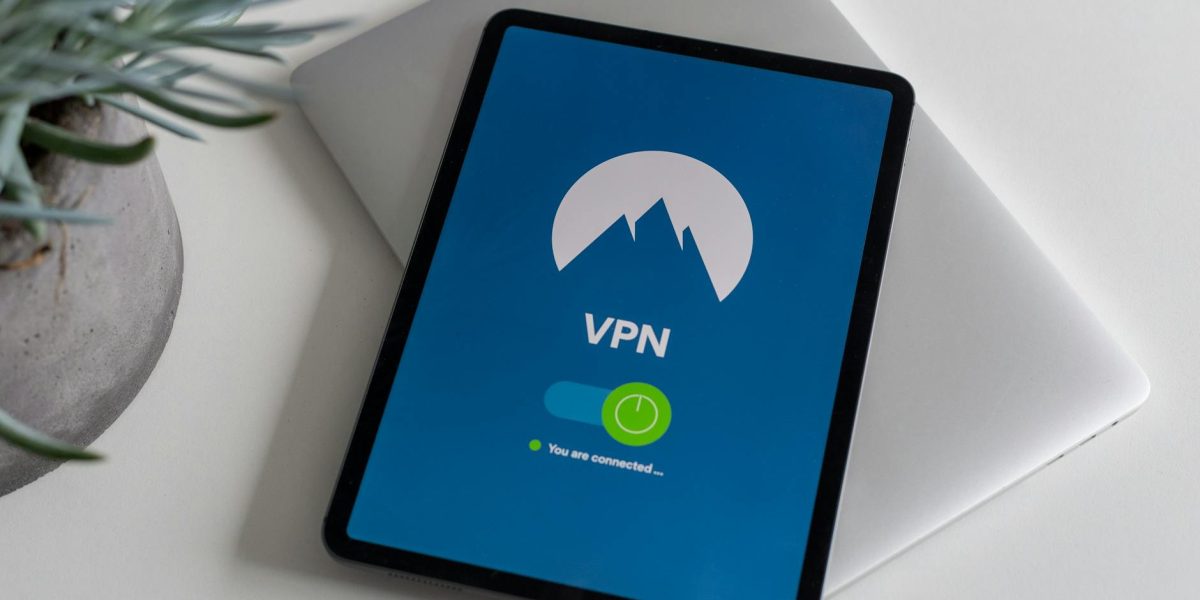
Welcome to our in-depth guide on setup vpn all.
Hackers love “Free Airport Wi-Fi.” It is their hunting ground. If you connect without protection, they can see your passwords, credit cards, and emails.
You need a VPN (Virtual Private Network). Here is How to Setup a VPN on All Your Devices.
1. Choose a Paid VPN
Do NOT use a free VPN. Free VPNs sell your data to pay for the servers. You are the product. Use NordVPN, ExpressVPN, or Surfshark.
2. Install on Phone (iOS/Android)
Download the app. Log in. Click “Quick Connect.” That’s it. Set it to “Auto-Connect on Untrusted Networks” in the settings. Now you can forget about it.
3. Install on Laptop (Browser Extension vs. App)
The Desktop App encrypts EVERYTHING (Slack, Spotify, Chrome). The Browser Extension only encrypts CHROME. Always use the Desktop App for full protection.
4. The “Kill Switch”
Turn this feature on. If your VPN connection drops for one second, the Kill Switch cuts your internet connection immediately so no data leaks out.
Kiran’s Take: Cheaper Flights?
VPNs aren’t just for security. You can change your location to a poorer country (e.g., Vietnam) and sometimes find cheaper flight tickets.
It doesn’t work every time, but I saved $200 on a flight to London by pretending to be in Argentina.
Conclusion
A VPN costs $3/month. Identity theft costs your sanity. Do the math.
Working from a cafe? See Coworking vs Coffee Shops.
Related Links:
Return to Homepage | Learn more on Wikipedia